 Ravnote
Branching dialogue for your game: how to write it, test it and get it into the engine
Good branching dialogue makes players feel their choices matter without turning the script into an unmaintainable maze. Here are the structures that work, the mistakes that waste the most time, and how to get conversations into Unity, Unreal or Godot without copy and paste.
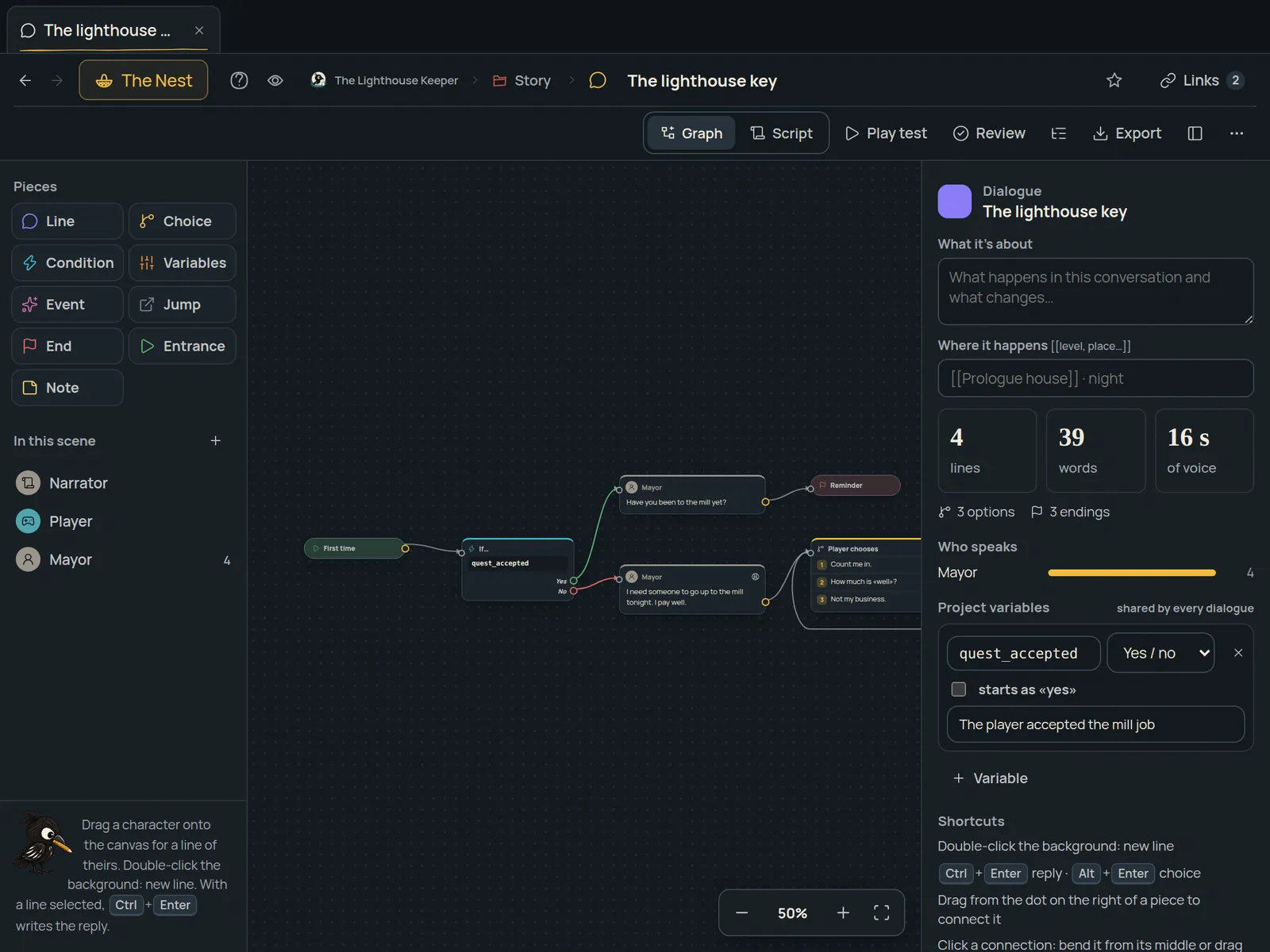
Three structures that work
- Branches that rejoin. The player chooses, the conversation changes a few lines and then returns to the trunk. It feels free for little work.
- Hub with topics. A menu of questions ("What do you know about the lighthouse?", "Who are you?") you return to after each answer. Ideal for characters who give information.
- Consequences with variables. A choice stores a value (for example,
trust = 2) and later, in this dialogue or another, it gets checked. A decision carries weight without multiplying branches.
The mistakes that cost the most time
- Writing in one place and building in another. If the script lives in a document and the engine has its own copy, every change is made twice and sooner or later they don't match.
- Not testing until it's in the game. Dead branches, variables that never trigger and repeated answers show up when you play it, not when you read it.
- Variables without clear names.
flag3means nothing to anyone in two months;helped_the_guarddoes. - Forgetting localisation. If every line doesn't have an ID from the start, translating the game later is painful.
From idea to engine, step by step
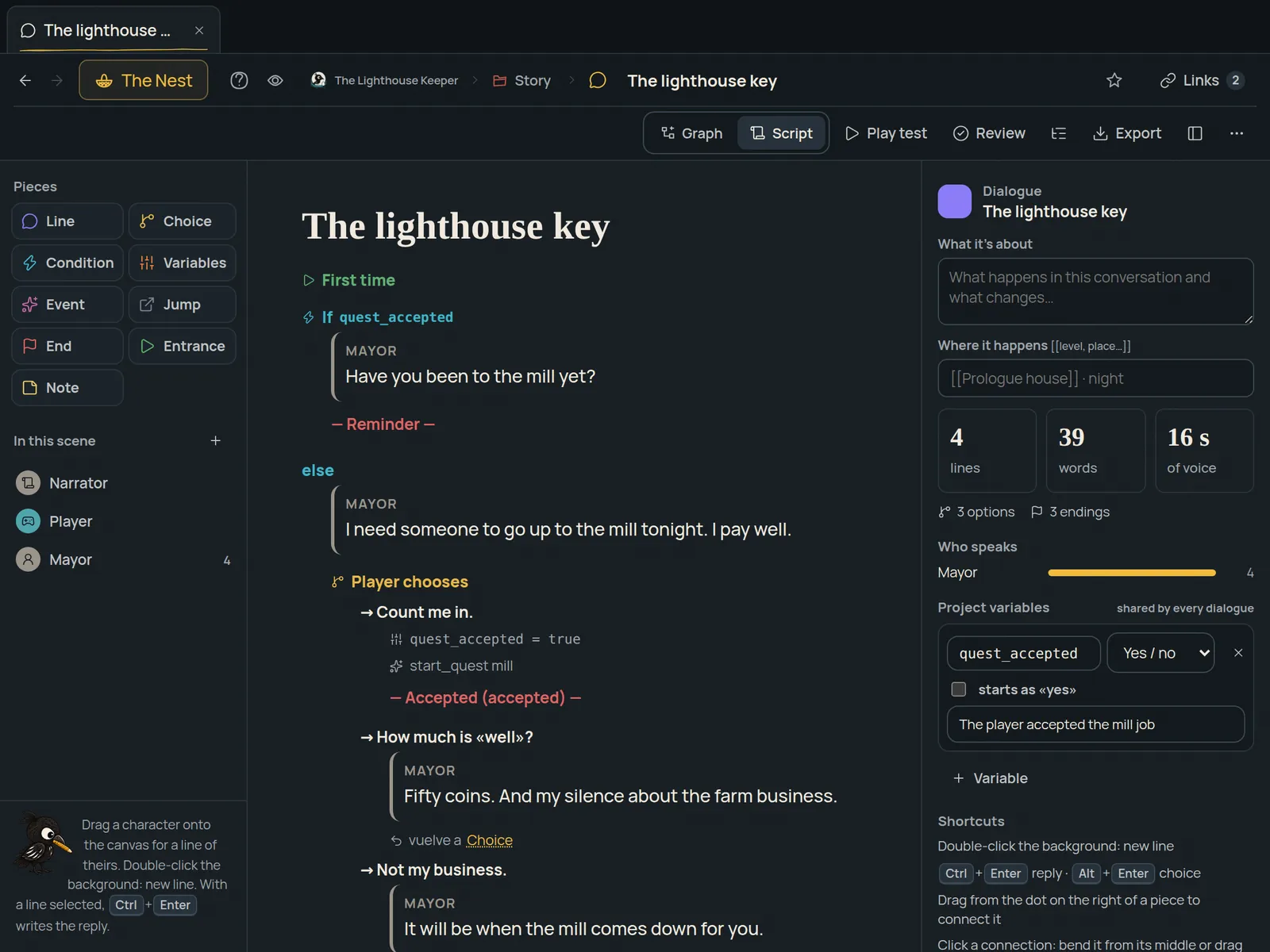
- Keep typing. In Ravnote you write a line and Ctrl+Enter creates the reply; player choices are added just as fast.
- Add conditions and effects. Each answer can require a condition (
has_key) and change variables when chosen. - Play it like in the game. The "Play test" button runs the conversation and lets you change variables to see every path.
- Export it. To Unity, Unreal Engine 5 or Godot 4 with a ready player (dialogue box, variables and events; in Unreal, Blueprint events), to Yarn Spinner or ink if you already use them, to JSON for your own system and to CSV for translation and voice-over.
Connected to the rest of the game
In Ravnote, dialogue isn't isolated: the speaking character is an entry with their data, can appear in a level, and the conversation is linked from your design document. Rename the character and it changes everywhere. And it all works offline, on your computer.
Frequently asked questions
What is the difference between Ravnote, Yarn Spinner and ink?
Yarn Spinner and ink are dialogue scripting languages, free and excellent, written as marked-up text. Ravnote is a visual editor where you see the branches, play-test the conversation by changing variables and export it, including to Yarn Spinner and ink if your game already uses them.
Do I need to code to use the dialogue in my engine?
Not for the basics: Ravnote includes a player for Unity, one for Godot 4 and a plugin for Unreal Engine 5 that play the conversation with its dialogue box, variables and events. To hook it into your game (open a door when it ends, give an item) you use your engine’s events, as with any dialogue.
Can I use it to translate and voice the game?
Yes. You can export every line to CSV with its ID and speaker for translation or voice-over, and to a string table for your engine’s localisation.
Your whole game, in one nest.
Ravnote brings ideas, entries, levels, dialogue, balance and tasks together in a desktop app that works offline. Founder price: €49 a year.
See Ravnote and its pricing Watch the video (1:58)